

Hello Reader!
It’s a new month, which means it’s time for another newsletter! I’m switching things up this time and stepping away from the usual format—I hope you find this version refreshing and fun.
One question I get a lot is, “What does a user researcher actually do?” Fair enough, considering research outside of traditional market studies is still a relatively new field.
But recently, someone posed a slightly different question: “How does user research actually help me and my team?” That one made me pause and think.
User research isn’t just for product, design, or engineering teams. Any team that interacts with ‘users’ can benefit from it. In fact, it can even help you rethink your own processes.
To explore this, I reached out to Krishna Patil from the Retail Insurance team. Krishna and his team developed some brilliant processes in just a few months to boost their teams’ efficiency, and here’s how they did it!
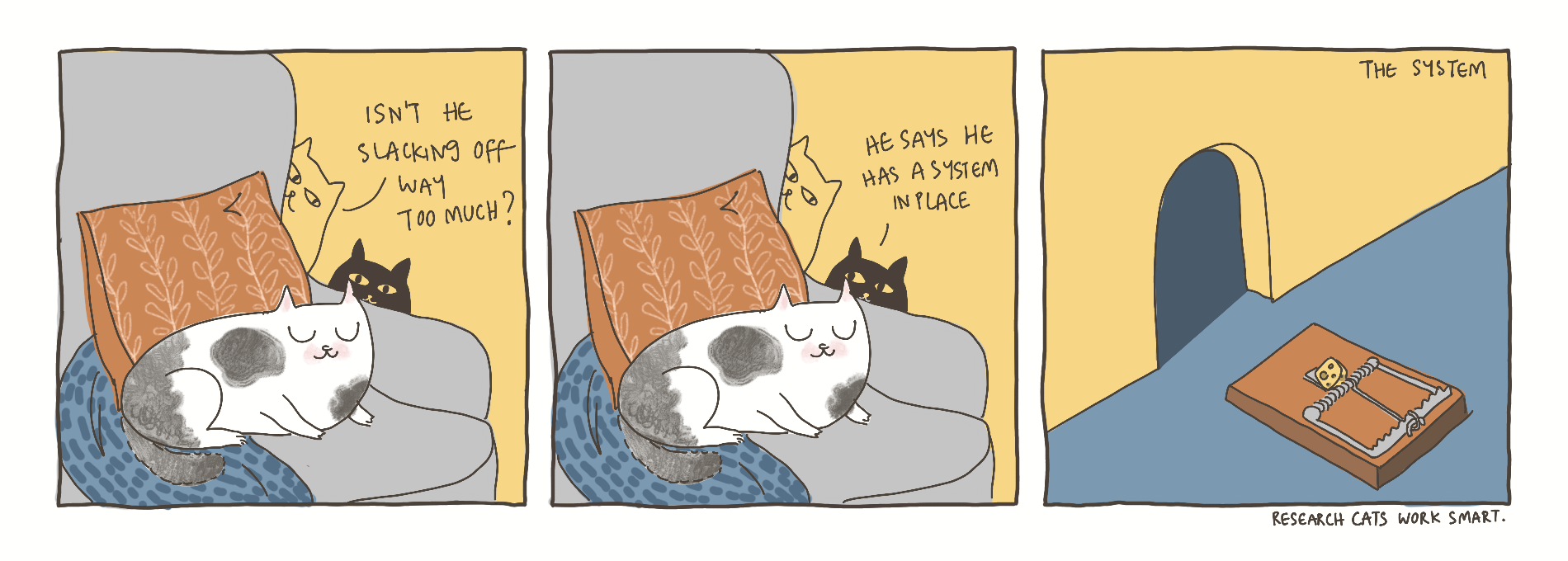
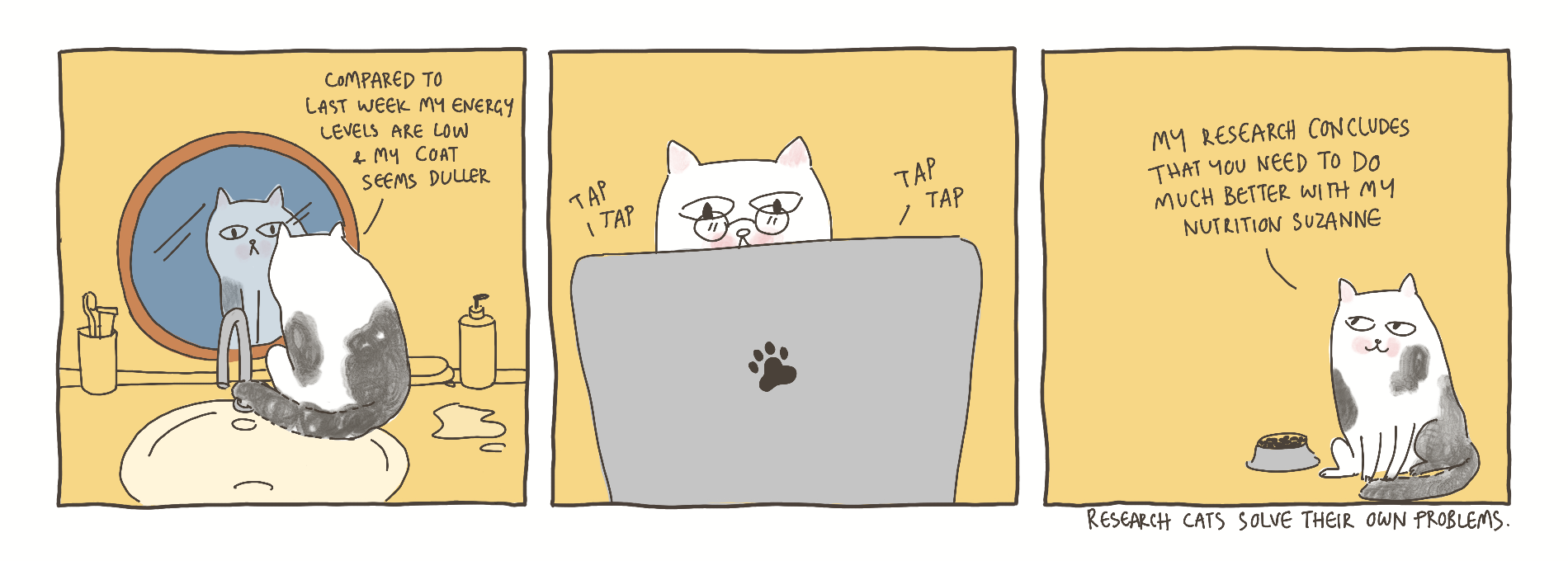
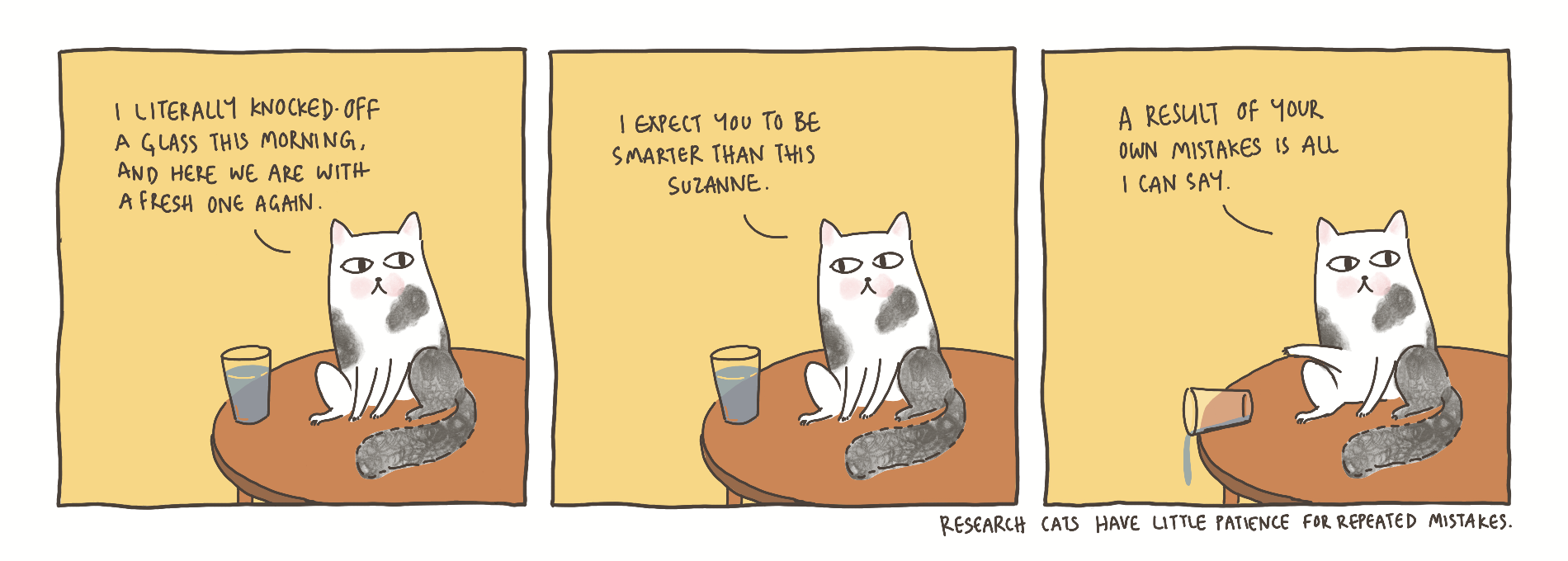
Launching fresh – Plum-original ‘Research cat comics’! 🥳
Read, enjoy, and share your feedback or questions at jahnavi@plumhq.com.
Why research?
The simple answer: it’s fun! Stepping into a researcher’s shoes adds curiosity and excitement to your day-to-day tasks. It’s like setting out on a series of quests—solving problems, shaping new processes, and designing systems. In many ways, research is play.
But beyond the fun, research is the critical first step in Design Thinking [^1]. It touches many stakeholders, both directly or indirectly, making it an essential part of creating thoughtful, effective solutions.
Why wear the researcher’s hat?
User research is one of those skills that you can pick up on your own, and it’s super useful. Think of it like this: it’s the difference between hiring a handyman for every small fix versus learning to handle a drill yourself. The latter is both convenient and empowering.
Today, I’m here to help you with a quick playbook for non-researchers. The goal? To show how everyday feedback and observations can be harnessed to build better processes and systems within and across teams.
Your Go-To Guide for Doing Your Own Research
Most research projects can be broken down into five key steps. Here's a quick overview of how these steps can improve team collaboration and efficiency, illustrated by Krishna’s team's experience.
#1 Identifying the Problem
Begin by aligning with your team on goals and desired outcomes. Collaborate to refine your hypotheses, ensuring clarity on what you're solving. A simple tool to facilitate this is the Prioritization Matrix [^2]. Use this opportunity to bond as a team.
Krishna’s retail insurance team noticed that much of their time was being spent on sending multiple quotes to customers every day.
“So first, we came together to understand the repetitive actions, identify things which we have to do each and every time or let's say 80% of the time, then try to standardise those things.”, says Krishna.
#2 Crafting the Research Plan
Next, create a clear Research plan [^3] with timelines, milestones, and selected methods [^4]. Make sure everyone knows their role and is aligned with the key questions being addressed.
Krishna had a few key questions in mind going into this exercise, for example –
- Which touch points are more time consuming?
- Where can we boost efficiency?
- What are the gaps in customer experience?
#3 Executing Thoughtfully
Execute your research plan carefully, using tools like Google Docs or Sheets to document findings. Enable team members to comment and vote on key insights as they emerge.
The retail insurance team took their time breaking down current processes. They reviewed customer conversations to map out both the team’s and the customer’s experiences.
#4 Finding the Patterns
At the heart of any analysis is uncovering patterns. Focus on the most frequent or critical touch points. Affinity mapping [^5] is a great method to group insights and uncover actionable themes.
In Krishna’s case, the team's first priority was identifying the fixed and variable components of each quote-related conversation with customers.
Before standardising processes, the team used to send screenshots of Excel sheets when sharing quotes.
“It's quite unprofessional, you know. It's like you are still doing your college projects. It is pretty obvious that we need to standardise this.”
#5 Enabling Change
Finally, share your insights and help the team prioritise actions. A simple decision-making template [^6] can help turn your findings into concrete changes.
Here’s what Krishna’s team achieved after this process: they designed a clean master deck that only required minimal changes before sending quotes. They identified which aspects were unique to each customer and separated them into different slides for easy deletion.
“We prefer deleting the slides rather than adding them. It saves more time. So, we identified the variables like maternity cover, OPD, etc. and put them in separate slides.”
They even worked with the product team to create a ‘Quote-gen’ tool, which generates standardised and reliable quotes every time.
“Now we don’t have the problem of different quotes at different touch-points. So, no more frustrated customers.”
For Krishna, the process of reflection, iteration, and redesign is ongoing. He and his team continue to improve processes, striving to reach their most efficient state.
More from Krishna and the Team!
Though Krishna didn’t follow any formal toolkit, he organically developed several processes within just a few months.
For him, efficiency starts at the simplest tasks:
“If it is a basic task, it is all the more important to not spend more time on it,” he explains.
Here are a few more processes his team successfully implemented over time.
#1 Handling the WhatsApp traffic
WhatsApp is the team's main tool for reaching potential buyers, with each member managing 30 to 60 customers at once. This often left them overwhelmed and led to a subpar customer experience.
To solve this the retail team resorted to free efficiency tools.
“This tool called Periscope [^7] helps you label everything you need. You can categorise your customers and assign priorities.”
He also set up an automated system for late-night WhatsApp responses.
“If someone messages at 11 or 12 at night, it sends an automated response so I can handle it the next morning.”
#2 Locking-in the customer
Personal insurance policies, unlike group covers, require a lot of documents from the customer. This causes resistance even after verbal agreements to buy. Most customers back out as a result.
To tackle this, the team created a consent form in Tally with all agreed-upon details.
“Now we have a solid document for taking forward any future conversations. This also reduces the cognitive load on the customer and builds trust.”
#3 Reducing drop-offs before payment
Many customers dropped off before making a payment due to the overwhelming number of documents requested upfront.
“This is frustrating after a lot of effort has already gone into soliciting a customer.”
The team quickly realised only a few key documents were needed to get to the payment stage.
“We simplified it, collecting just the essential information to move the customer to payment.”
This approach prevented delays and kept customers from pushing the decision to purchase personal insurance to the back burner.
What’s next?
Krishna believes that steadily tackling their own challenges has transformed the customer experience.
“A year ago, customers were at the centre of everything. We’d spend long calls with them filling out forms, and they struggled with poorly designed insurer portals. Now, the experience we’ve designed keeps them engaged with almost zero frustration. Over 60% of customers provide the required information in one go.”
With most efficiency-related concerns addressed successfully, Krishna feels that now is the time to focus on designing exceptional customer experiences.
“We will keep working with the product team to build a seamless experience end-to-end. That is our goal for now.”, he says with a beaming smile on his face.
Want to learn more? Reach out to Krishna on Slack or email him at krishna.p@plumhq.com.
Found these insights helpful? Stay tuned for more.
Until next time,
Jahnavi :)
Footnotes:
[2] Miro Prioritisation Matrix Template
[3] Miro Research Plan Template
[4] Easy-to-use and popular Research Methods
[5] Miro Affinity Mapping Template
[6] Action point prioritisation and decision making template
Comments